CAPSULTORY VS SPREADSHEETS
Outgrowing your inventory spreadsheet
A spreadsheet is a fine place to start. It stops working when two people edit it at once, when nobody knows who changed a number, and when the count is wrong by the time you read it. Here is an honest comparison.
| Feature | Capsultory | Spreadsheet |
|---|---|---|
| Live counts from sales | ✓ | ✗ |
| Barcode and QR scanning with a phone | ✓ | ✗ |
| Who changed what, and when | ✓ | ◑Version history only |
| Low stock alerts by email, Slack or Teams | ✓ | ✗ |
| Purchase orders emailed to suppliers | ✓ | ✗ |
| Photos, tags and custom fields | ✓ | ◑Manual |
| Pick lists and jobs | ✓ | ✗ |
| Data stays on your own computer | ✓ | ✓If saved locally |
| Free | ◑Trial, then paid | ✓14 day trial |
What you get
Stays a spreadsheet when you want
Export to CSV or Excel any time, even after a key expires.
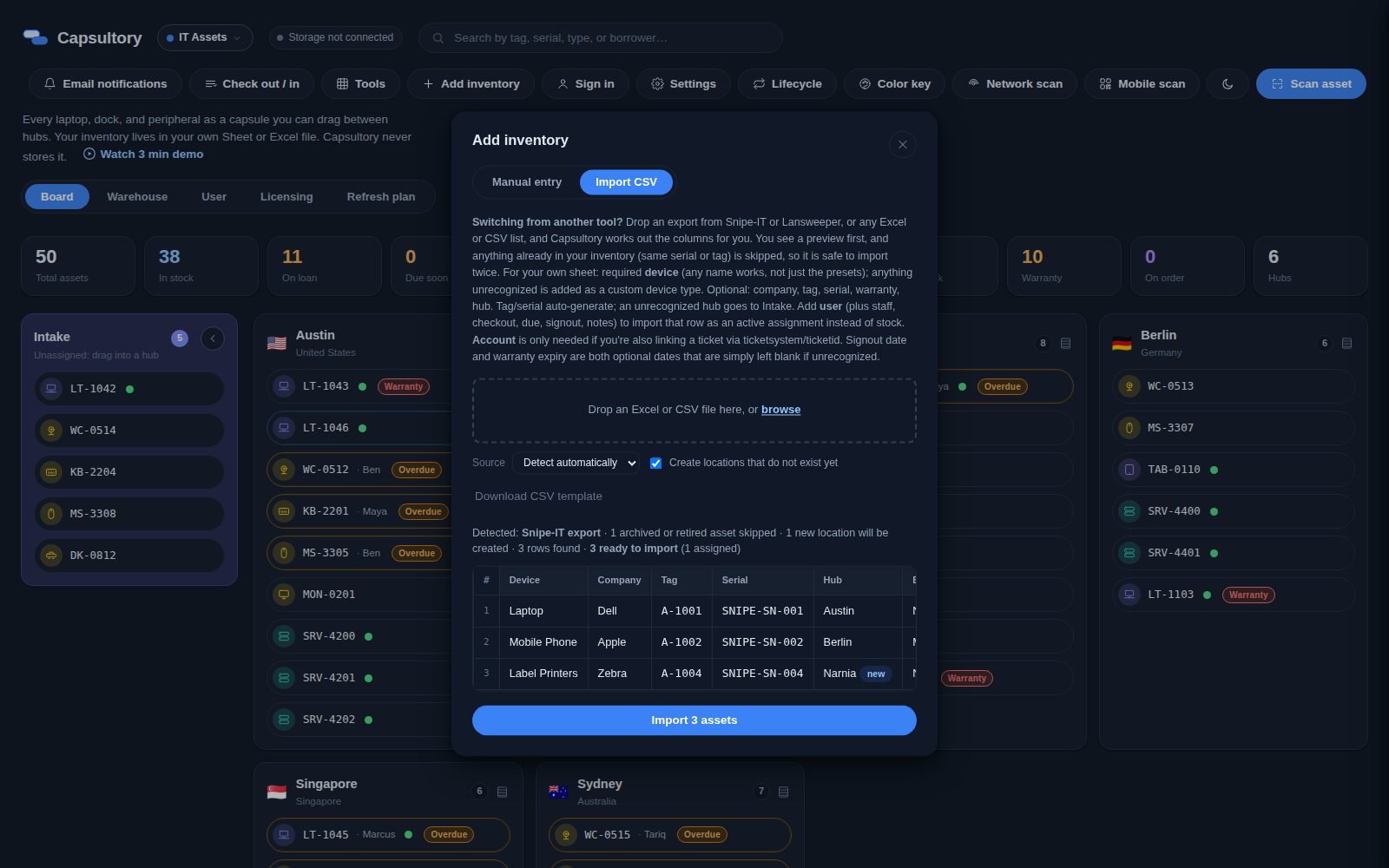
Import in minutes
Columns are matched for you, with a preview, and duplicates skipped.
Scanning instead of typing
Phones scan barcodes, so counts are not typed by hand.
History built in
Every change records who, what and when.
Alerts
Low stock emails and channel messages instead of checking a column.
Many users at once
Enterprise mode lets several PCs work on one inventory with no overwrites.
How it works
Export your sheet
Save your Excel or Google Sheet as CSV or XLSX.
Import
Drop it into Capsultory and check the preview.
Label
Print labels so the next count is a scan.
Retire the sheet
Keep exporting when someone still wants a spreadsheet.
A practical guide
Signs you have outgrown it
Two people edit at once and one loses work. Counts are wrong by the time you read them. Nobody can say who changed a number. Reorders depend on someone remembering to look.
What a spreadsheet still does well
It is free, flexible and familiar. For a small, slow changing list one person owns, it may be all you need.
Moving without losing anything
Capsultory imports your columns and keeps your file on your own computer, so the move does not hand your data to a new vendor.
Pricing
Common questions
Can I keep using Excel alongside it?
Yes. Export to CSV or Excel any time.
Will my columns come across?
Common columns are matched for you, and custom fields hold anything extra.
Is it free like a spreadsheet?
No. There is a 14 day free trial, then a monthly plan per location or per store.
Related
TRY IT ON YOUR OWN DATA
Fourteen days, no card.
Download the Windows app, import your list and see if it fits. Your inventory stays on your own computer the whole time.
Download the free trial →